
Jupyter Notebooks
Nora allows to submit cluster jobs which launch jupyter lab. There are several ways:
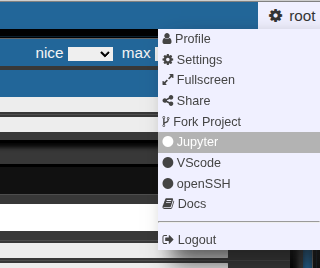
- Go to your right upper corner, and choose jupyter
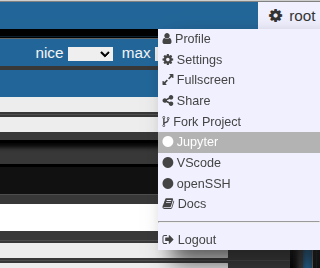
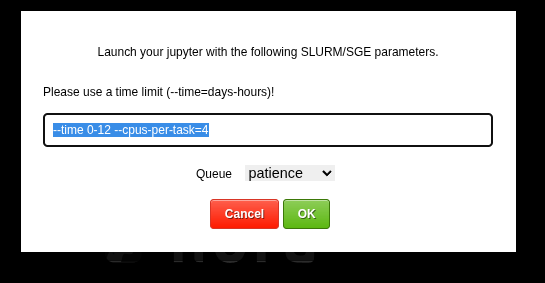
This allows you to launch a jupyter lab on the cluster. You can choose slurm parameters for the job
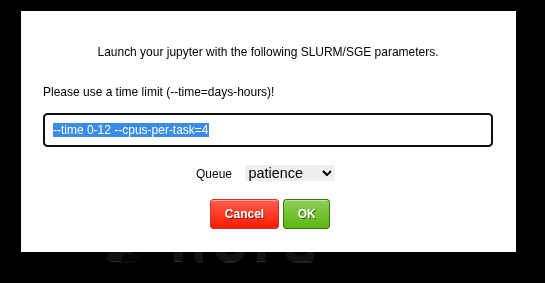
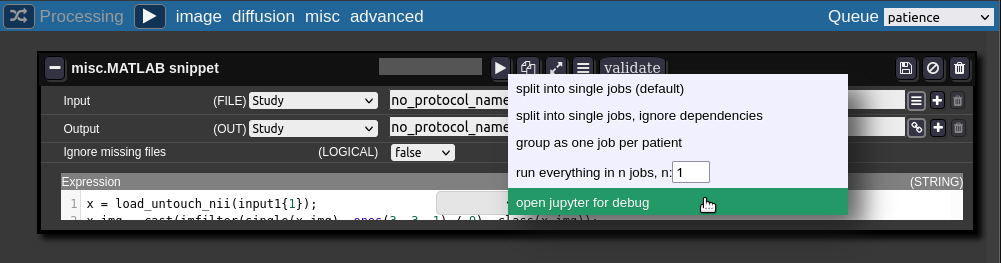
The root folder of the notebook will be located on you persistent home folder on the cluster. - For debugging the batchtool can open a job in a jupyter notebook:
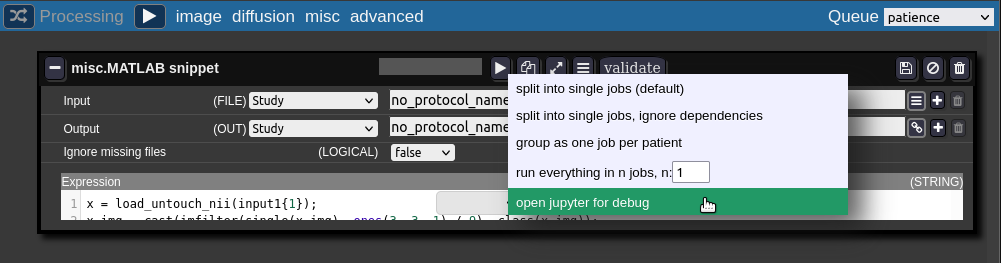
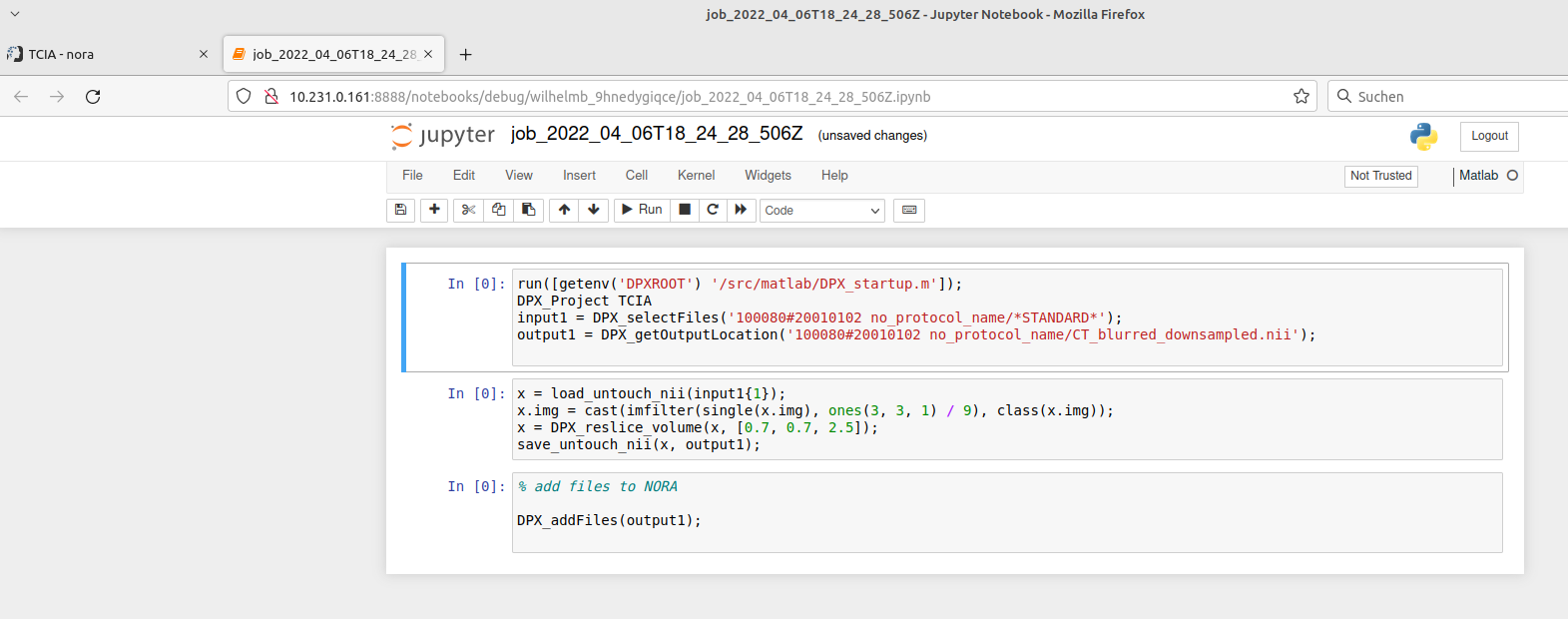
The jupyter notebook is opened in a new browser-tab (make sure your browser allows pop-ups for Nora):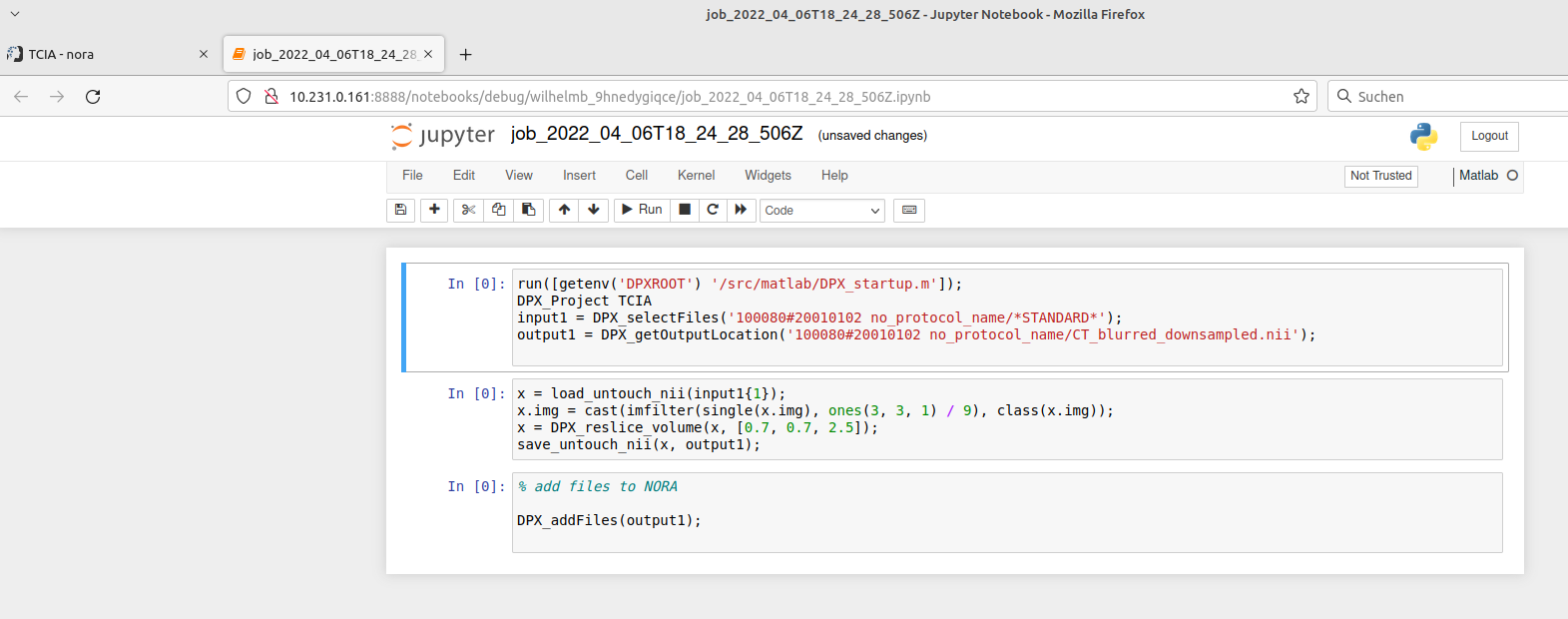
When finished with debugging close the tab. Don't forget to kill the jupyter-notebook job in the grid view. The view may be opened on the bottom of the batch tool.
